Personalize Your Notifications
- Select your Community profile. Then select Account and Privacy Settings from the profile menu.

2. Select Notification Preferences from the options provided.

3. Use the select boxes provided to customize your notification preferences sent either to the notification icon found within the Community homepage, or directly to you by email. Your changes will be saved automatically

Bookmark a Discussion
You may wish to receive automated email notifications about upcoming events, or just released certifications. Ensure that you have bookmarked the discussion, and set your notifications to receive emails for "new comments on my bookmarked posts"
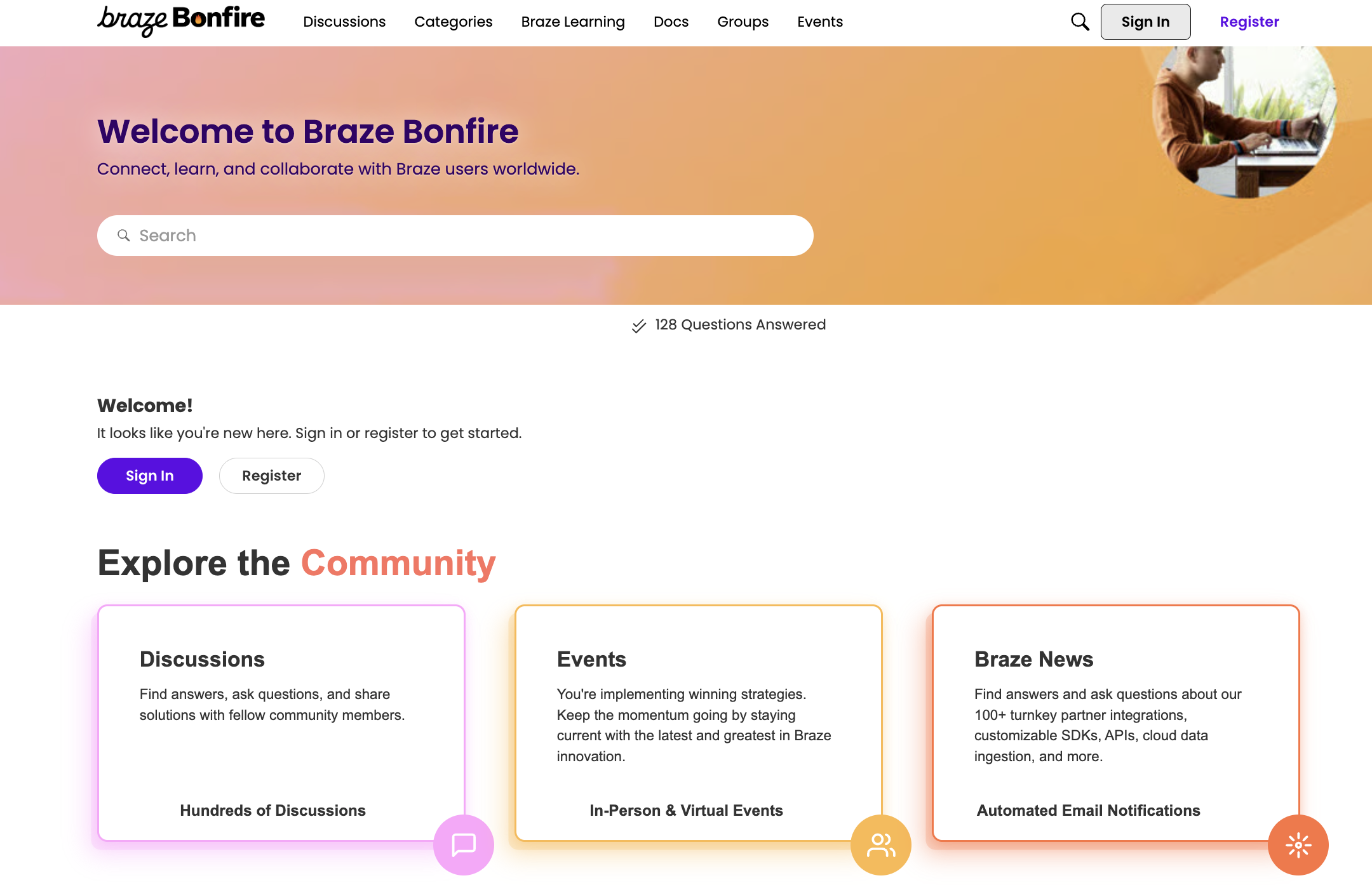
1. Access Discussions through the Community homepage, or navigation bar.
2. Find the Discussion you want to bookmark and select the Bookmark icon.
